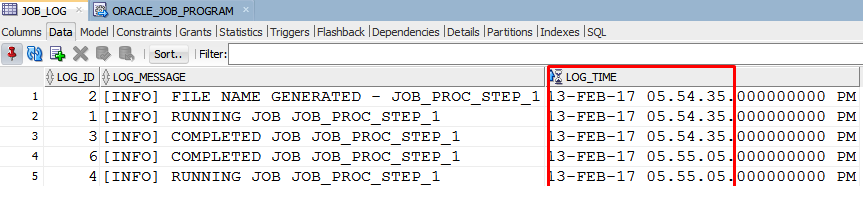
When you need to run an ORACLE DB task every day the best choice is to use the Scheduler.
Scheduled Jobs can be used to run PL/SQL Blocks, Stored Procedures or even scripts.
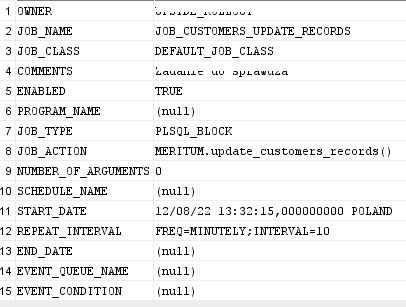
To setup the job, we need to fill in some mandatory fields:
– OWNER: this is the database used
– JOB_NAME: this is a unique identifier for the job
– ENABLED: has to be set to TRUE if we want this job to run
– JOB_TYPE: this can be STORE_PROCEDURE (I choose stored procedure for the example)
– JOB_ACTION: here is the name of the stored procedure
– SCHEDULE_TYPE: CALENDAR
– START_DATE and END_DATE have to define the minimum and maximum day when this job will run
– REPEAT_INTERVAL: FREQ=DAILY;BYTIME=140000,020000; this setting will make the job run every day at 2am and 2pm.
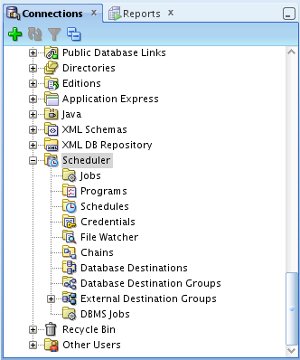
A tool that can be very helpful in creating this kind of jobs is ORACLE SQL Developer, where we have the Scheduler section.
Scheduled jobs also store a history, were we can see if a job was executed with success, or if it failed (in this case the log gives us the error code)